You logged off PokerStars after a long session, but some hands went your way. One or two still bug you: that river call you are not sure about; the shove you maybe should have folded. Those hands are saved on your computer right now. And most players never open them again.
PokerStars is the biggest poker site in the world, millions of hands run through it every day, and almost nobody goes back to study their own. We remember the beats because they hurt. The spots we actually misplayed slip away by the next session. So the same mistake shows up again next week.
Here is the fix, and it costs you nothing. Your PokerStars hand history holds most of the answers. You just need to know where to find it and how to replay it the right way. That’s what this guide covers—finding your hands, saving them, and watching them back like someone who wants to win.
For the full picture across every room, see our ultimate poker hand history tool guide”.
What Is a PokerStars Hand History?
First, here’s a quick definition that matters for serious players.
A hand history is the full record of a hand you played. Every action, every bet size, every card, and the result. All of it written out in unformatted text. Think of it as the black box of your session. Whatever happened is in there, whether you want to see it or not.
PokerStars records this for you automatically. Every hand you play gets logged, and the client can save the files straight to your computer as text files. That document file is the standard language of poker. It reads the same way a hand history from any other room reads, which means you can drop it into the study tool of your choice.
Step 1: View Your Hand History on PokerStars
Start with the quick view, right inside the client.
While you are at the table, look at the top left of the screen for the current hand number, just below the little circular arrow. Click that hand number. A window opens listing every hand you have played since you logged in. This is handy for a fast look at a spot that is still fresh in your head.
A quick look is not studying, though. That in-client window just shows you what happened. You cannot slow it down, hide the result, and think through the decision the way you need to. For that, the hand has to come out of PokerStars and into a proper replayer. So the next step matters.
Step 2: Save Your Hand Histories to Your Computer
Now you tell PokerStars to save the files where you can grab them.
Important thing first, and most players miss it. PokerStars does not save your hand histories by default, and it does not go back and save old ones. So if you never turned this on, the hands from your past sessions are already gone. Turn it on now, and it saves everything from here forward.
Open the client and follow this path: Settings, then Playing History, then Hand History. Check the box that says Save My Hand History and apply. You can also raise the number of days PokerStars keeps, which defaults to 30. Widen it if you want more history to study.
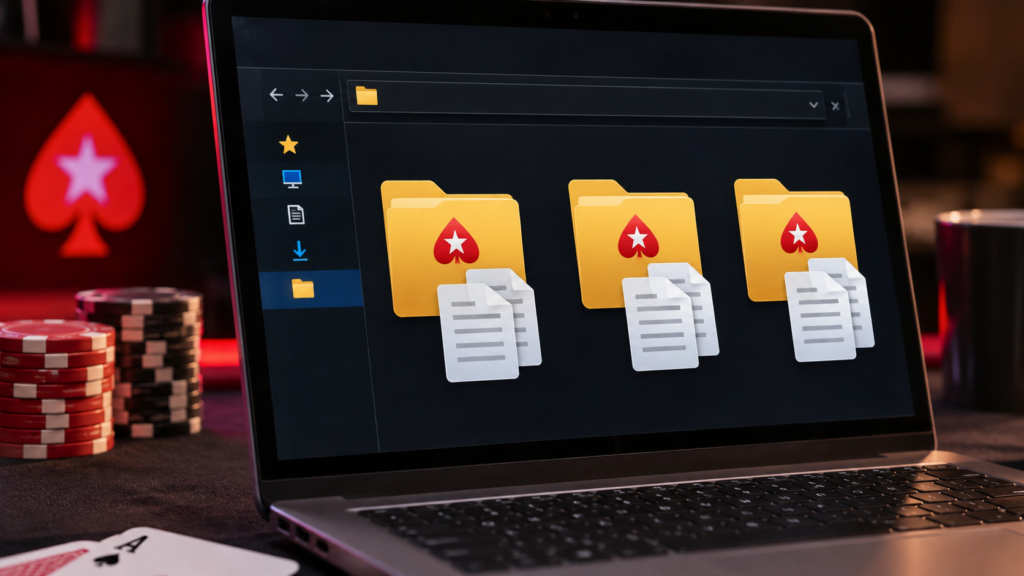
From there, PokerStars saves each session as a plain text file in its own folder. On Windows, that is usually C:\Users\[YourName]\AppData\Local\PokerStars\HandHistory\[Username], and on Mac it is ~/Library/Application Support/PokerStars/HandHistory/[Username]. Cash sessions save as one file each, and tournaments get their own files. Note where that folder is, because that is where you will grab the files to study.
Here is a tip most players skip. Pull the sessions that actually mattered, not your entire archive at once. Grab the tournament you just busted. Grab the cash session that felt loose. A focused file you will actually review beats a folder of ten thousand hands you never scroll through. You want signal, not noise.
Once PokerStars is saving those text files, you are ready for the part that actually helps.
Step 3: Load Your PokerStars Hands Into a Replayer
This is where raw text turns into something you can see.
A plain hand history is hard to read. It is lines of code describing a hand, and nobody thinks in code at the table. You think in positions, stacks, and board textures. So you load that file into a replayer, and now you are watching the hand play out on a real table, street by street.
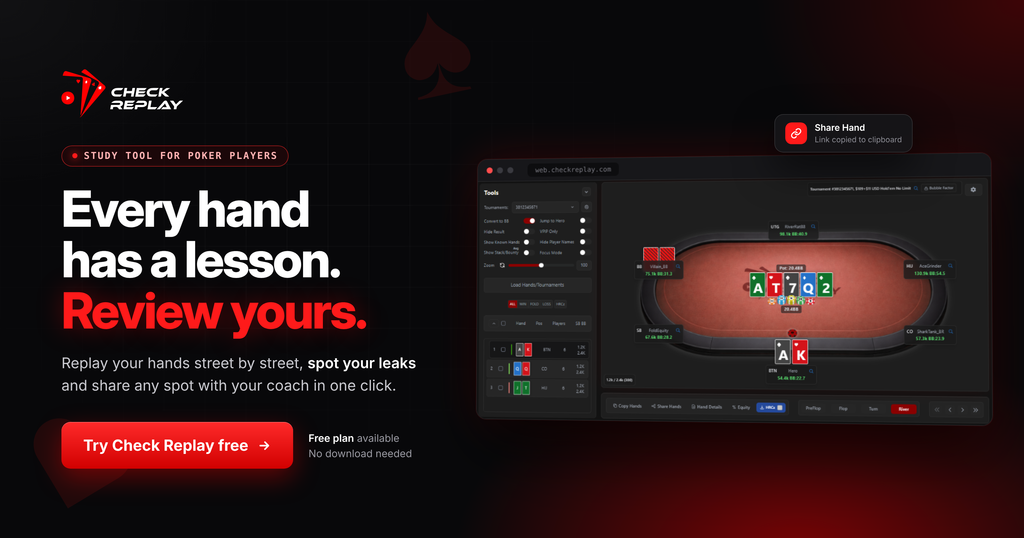
A tool like Check Replay reads your PokerStars text file and rebuilds the hand for you. The table, the stacks, the action, the cards, exactly how it happened. Instead of decoding text, you watch the decision unfold and ask yourself one thing. Would I play it the same way again?
And it goes deeper than a plain replay. You can add notes right on the hand, run the built-in odds and showdown equity calculators, and flip to villain’s view to watch the spot from your opponent’s seat. See a hand you are not sure about? Tag it so you can come back to it later instead of losing it in the pile. The same workflow works for your other rooms too, whether you also grind GGPoker hand histories or CoinPoker hands.
Step 4: Replay the Hand the Right Way
Loading is easy. Studying is the skill. So here is how to replay a PokerStars hand without fooling yourself.
First, hide the result. It is far too easy to feel sharp when you already know the river bricked and your bluff got through. Cover the outcome, and you have to judge the decision on what you knew at the time. That is the whole point. Otherwise, you are just rewatching your own highlight reel.
Second, go street by street. Stop on each decision and think about your range, your opponent’s range, and what the sizing is telling you. Do not rush to the showdown. Your money leaks out in the small turn and river calls, not in whether you hit your flush.
Third, skip straight to your own hands. You do not need to watch yourself fold seven-deuce forty times. Filter for the hands where you put chips in and spend your time where there was a real decision. The spots that cost you. The ones you were not sure about. The ones you got away with.
Do this, and the replay stops being a video of your session. It becomes practice.
Step 5: Turn Review Into Real Improvement
One reviewed hand is a nice start. A habit is what moves your win rate.
Players who climb don’t review once and move on. They make it a routine. After any session that mattered, they open the PokerStars hand history, load the spots worth a look, and work through them before the context fades. Give it a few weeks and patterns appear. You catch yourself making the same mistake in the same spot, and once you see it, you can fix it.
Share the tough ones too. Sending a hand to a study group or a coach and letting someone challenge your thinking is one of the fastest ways to improve. A shareable replay link turns a hand you played alone into a conversation, and the person on the other end sees the full spot, not a blurry screenshot. Other people catch things in your game that you are blind to. We all have blind spots. That is exactly why we miss them.
There is a mental side to this as well. When a session goes bad, going back and understanding why a hand played out the way it did takes a lot of the sting out of it. It is one of the better defenses against tilt. Once you understand a spot, you stop feeling robbed. You know what happened, and you move on.
Ready to turn your next session into a study session? Upload your PokerStars hand history to Check Replay and watch your hands back for free.
Frequently Asked Questions
How do I find my hand history on PokerStars?
While seated at a table, click the current hand number in the top left of the screen, just below the circular arrow. A window opens with every hand you have played since logging in. For deeper study, go to Settings, then Playing History, then Hand History, and save the files to a folder on your computer.
Where does PokerStars save hand history files?
PokerStars saves them in its own folder once you enable Save My Hand History under Settings, then Playing History, then Hand History. On Windows, that folder is usually under AppData\Local\PokerStars\HandHistory, and on Mac under ~/Library/Application Support/PokerStars/HandHistory. The files are plain text, which you can then load into a replayer such as Check Replay.
Can I download my full PokerStars hand history?
You can save everything from the moment you turn it on, but not retroactively. PokerStars only starts saving once you check Save My Hand History under Settings, then Playing History, then Hand History, so hands played before that are not stored. From then on, the client saves each session as a text file you can load into a replayer and watch back.
What is the best way to replay PokerStars hands?
Save your hands as text files and load them into a dedicated replayer. Then hide the result, go street by street, and stick to the hands you actually played. That way you judge each decision on the information you had at the time, which is what real study comes down to.
Can I see my opponent’s hand in a PokerStars hand history?
You see an opponent’s cards only when the hand went to showdown, and those cards were revealed. A replayer like Check Replay can show the known hands from showdown and let you study equity on each street, so you learn how the spot really ran instead of guessing.
Why should I review my PokerStars hand history?
Because that is how you find and fix leaks. Most players remember the beats and never study their own mistakes, so they keep making the same errors. A proper review turns your sessions into something you can learn from, and it helps with tilt too, since understanding a spot beats stewing over it.
Conclusion
Your PokerStars hands are the cheapest coach you will ever have. They are already paid for. Every session hands you a pile of real decisions, made under real pressure, with your own money in the pot. The only question left is whether you go back and learn from them.
So build the habit. Save your hand histories, pull the spots that stung, and load them into a replayer where you can watch the hand breathe again. Hide the result, go street by street, and be honest with yourself about the calls. Keep doing it, and the leaks start to close, one hand at a time.
The hands are sitting on your computer right now. Replay them.
Login Check Replay now!